Behind the scenes
How we protect your data: hosting, isolation, backups and intrusion tests
Your invoices, clients and payments are your business. Here is, without jargon, what we do so they stay yours, and yours alone.
By the SoloGestion team · · updated 19 October 2026 · 7 min read
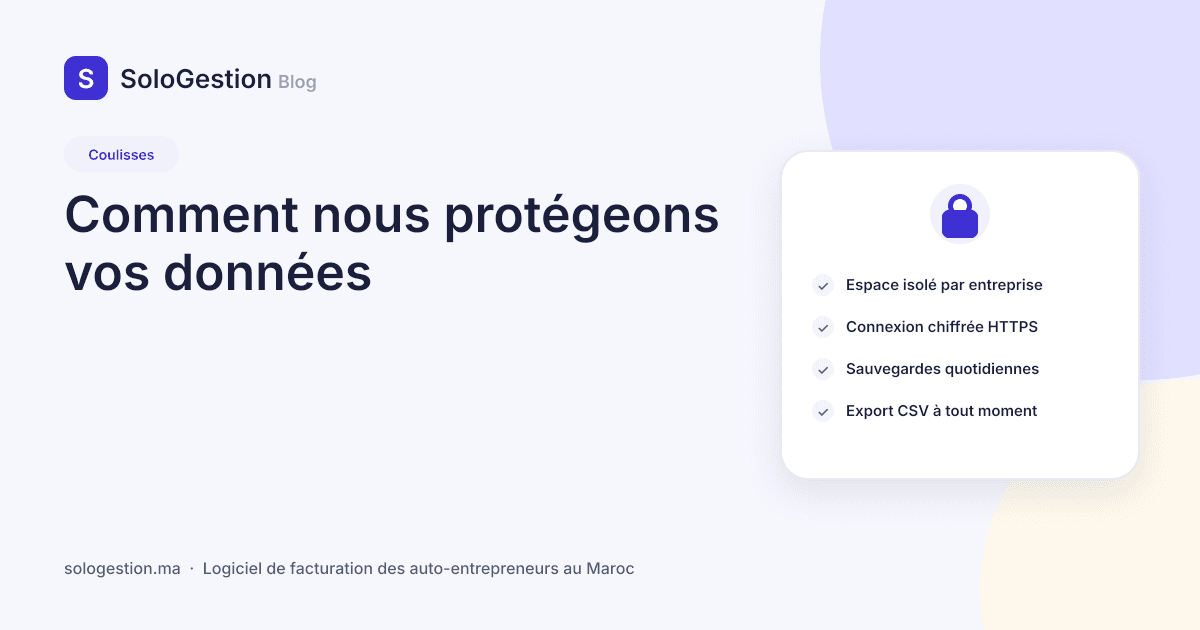
Invoicing software holds the most sensitive part of your business: who your clients are, what you invoice them, what you receive, and your signature. We would rather explain what we do than ask you to trust us. Here are the choices, and why, in the order an auto-entrepreneur asks us: who can see my data, where is it, what happens if you disappear. The short version is on the Security and data page.
Every workspace is isolated, at the root
Every auto-entrepreneur has a workspace. Every piece of data (client, document, payment, expense, product, team member) belongs to it and carries its identifier. Isolation is not a check added page by page, which a developer could forget on a new feature: it is enforced at the data-access level, so a request simply cannot see another workspace. We test this at every release, by trying from one account to reach another’s data through every route of the application. A failing test blocks the deployment.
Roles within a workspace
You can invite a collaborator or give your accountant read-only access. The owner remains the only one who can manage the subscription, the team and sensitive data; a read-only access can neither modify nor export anything. Invitations go through a single-use, time-limited link.
What is encrypted
Everything travels over HTTPS, without exception. Passwords are hashed with a slow algorithm, never stored in clear: we cannot read them, and nobody will ask you for them. Document sharing links and invitations use long random tokens of which only the fingerprint is kept: even by reading the database, they cannot be reconstructed. Your subscription’s card details do not pass through our servers; they go directly to the payment gateway (YouCan Pay), which only sends us the confirmation.
Hosting and backups
Servers are hosted with established providers, with daily backups kept for several weeks and tested by restoring them. The files you upload (logo, signature, receipts) are stored outside the server’s public area and served only to an authorised user of your workspace. You can, at any time, export your clients, invoices, payments and expenses as CSV: your data is not held prisoner, and a copy at home is always a good idea, as the Friday routine recalls.
What we do not do
- We do not sell or share your data. No advertising, no “partners”, no resale of client files.
- We do not read your invoices. The team accesses a workspace’s data only on your support request, and every access is logged.
- We have no access to your passwords and will never ask for them, by email or by phone.
- We show no technical detail on errors; production error messages reveal nothing about the database.
- We set no advertising cookies or third-party trackers; the only cookies serve the session, form protection and language.
Intrusion tests before every release
Before shipping a version, we put the application through the sieve: isolation between workspaces, rights per role, injection in PDFs and exports, rate limits on public routes (login, sign-up, password reset), checks on uploaded files (a file disguised as an image is refused), payment webhook signatures, vulnerable dependencies. Findings are fixed and covered by an automated test, so they do not come back. The application and its dependencies are updated regularly.
What happens if you leave, or if we disappear
If you stop your subscription, your workspace is paused: you can still log in, read and export, nothing is deleted without your request. If you ask for deletion, it takes effect and backups expire in turn. And if SoloGestion were to cease activity, you would be warned in advance with time to export all your data: it is written in our terms of use, not only here.
And you, three simple habits
- 1A long password, different from your other accounts. A phrase only you know beats a word with a digit.
- 2Confirm your email address at sign-up: it is what lets you recover your account.
- 3Export your data once a quarter and keep the archive with your returns.
Frequently asked questions
- Where is my data hosted?
- With established providers, with daily backups. Each workspace is isolated from the others at the data-access level, not only on screen.
- Does SoloGestion see my card numbers?
- No. Subscription payment is handled by YouCan Pay; we only receive the payment confirmation, never the card details.
- Can my accountant access my workspace?
- Yes, read-only, by invitation. They view and download, they change nothing and cannot export on your behalf.
- What happens to my data if I cancel?
- The workspace is paused; you can still log in, read and export. Deletion happens only on your request, and our terms say so.